Manage Your ChatGPT
Conversations Better
ChatDeck helps you organize, search, and manage your ChatGPT conversations directly from your browser.
Features
Smart Organization
Group and manage your conversations by projects and topics.
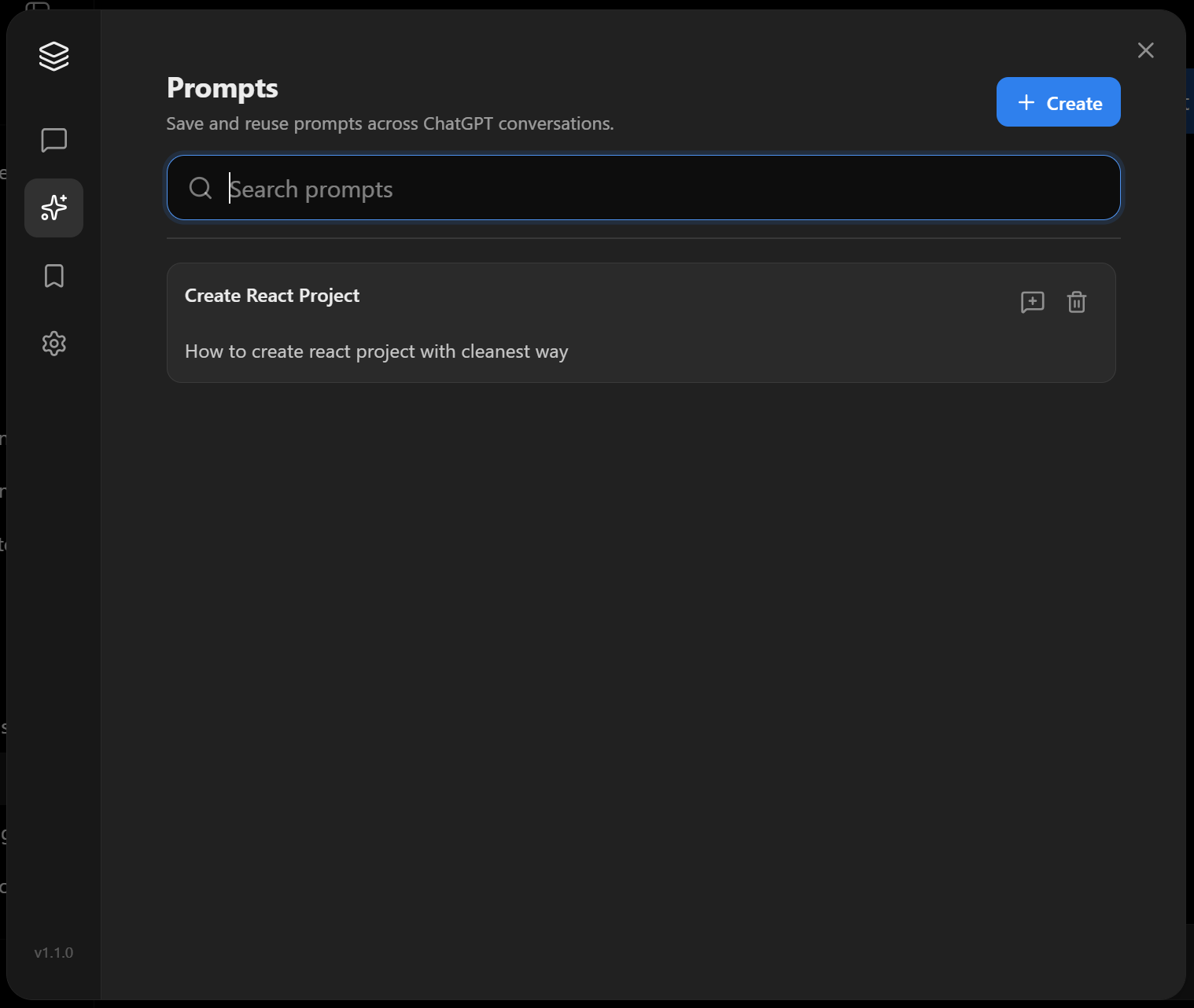
Prompt Library
Stop rewriting the same instructions every time you start a conversation.
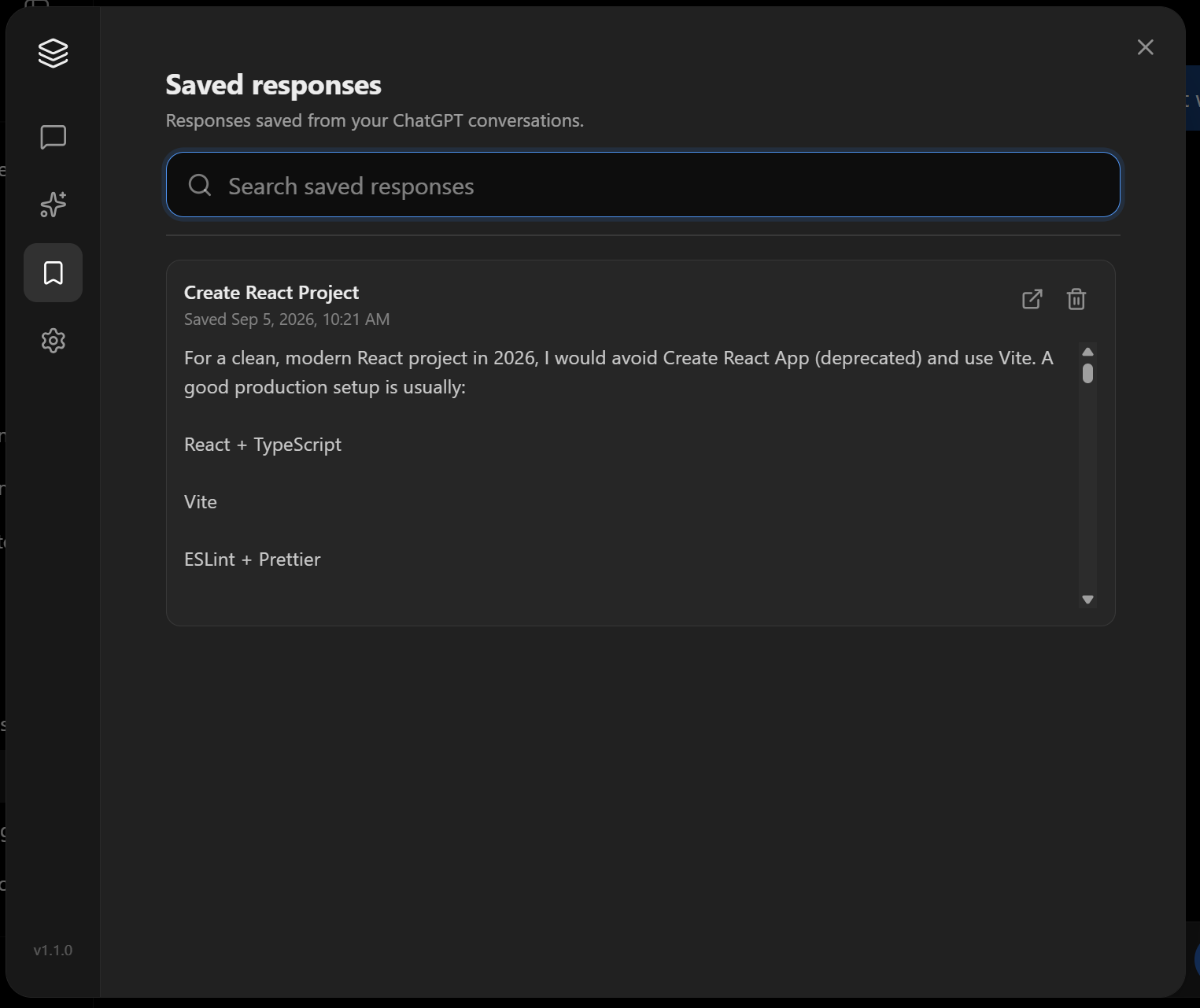
Saved Chats
Some conversations are worth keeping close. Save important chats so you can quickly return to materials without searching through your entire history.
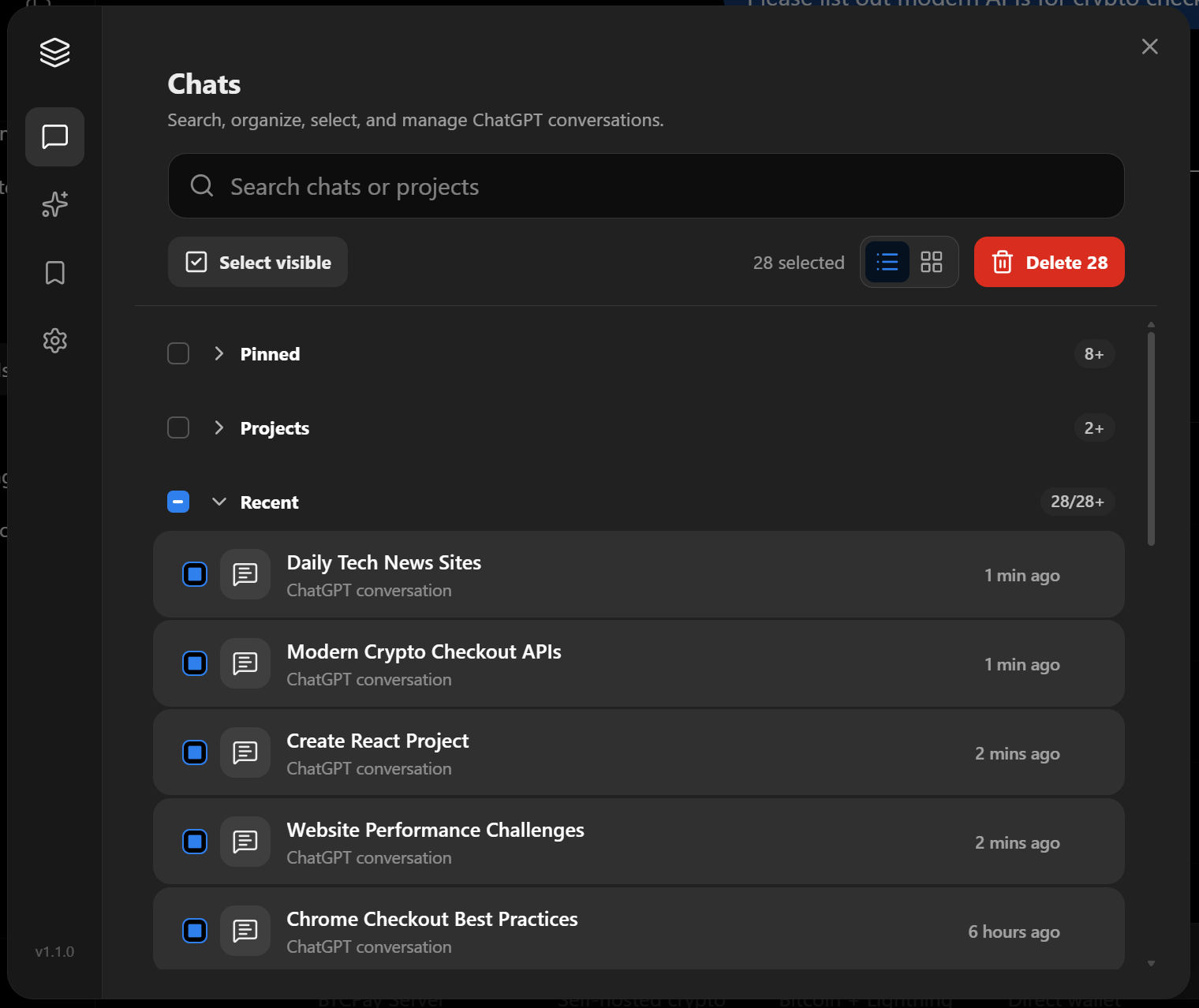
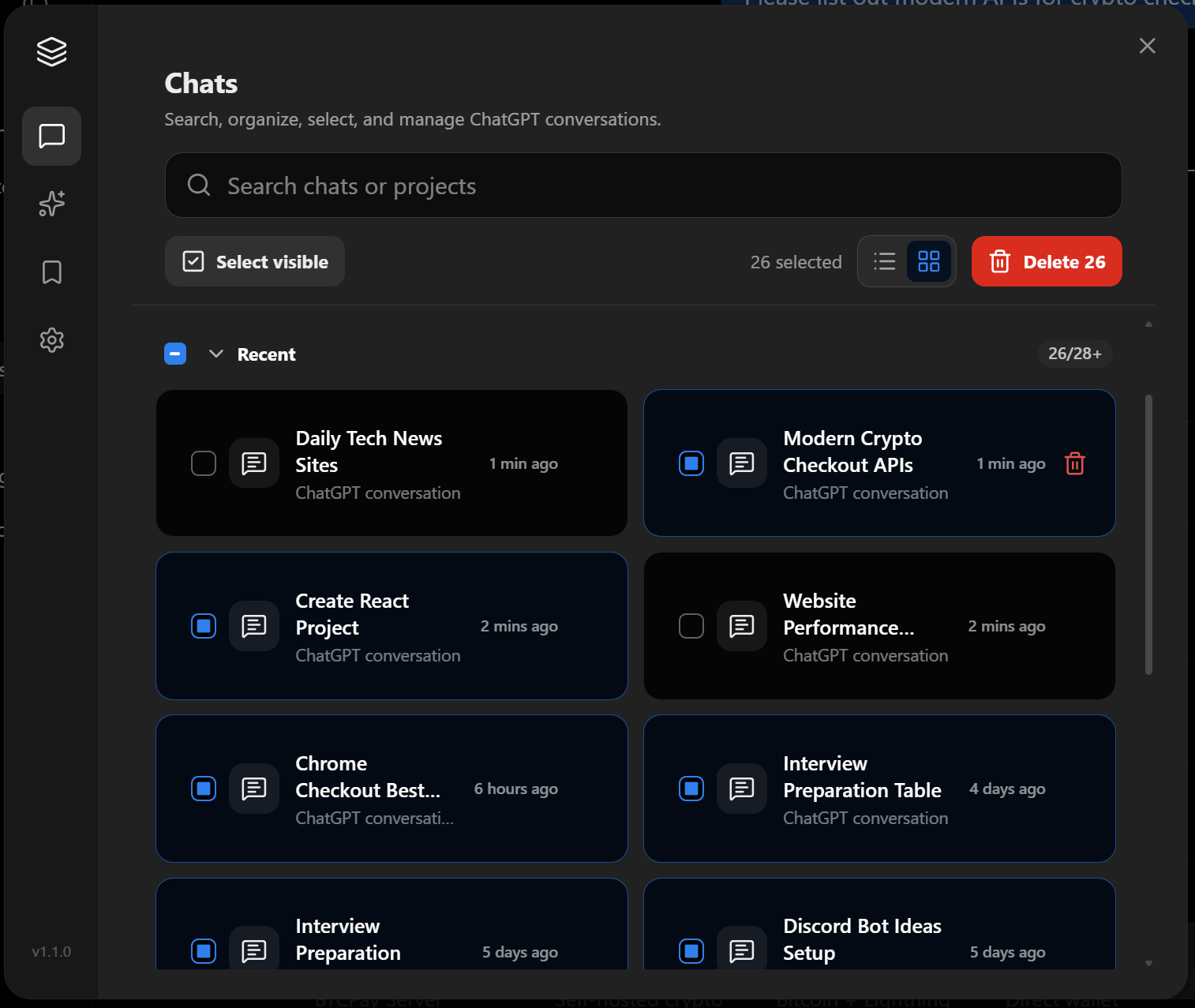
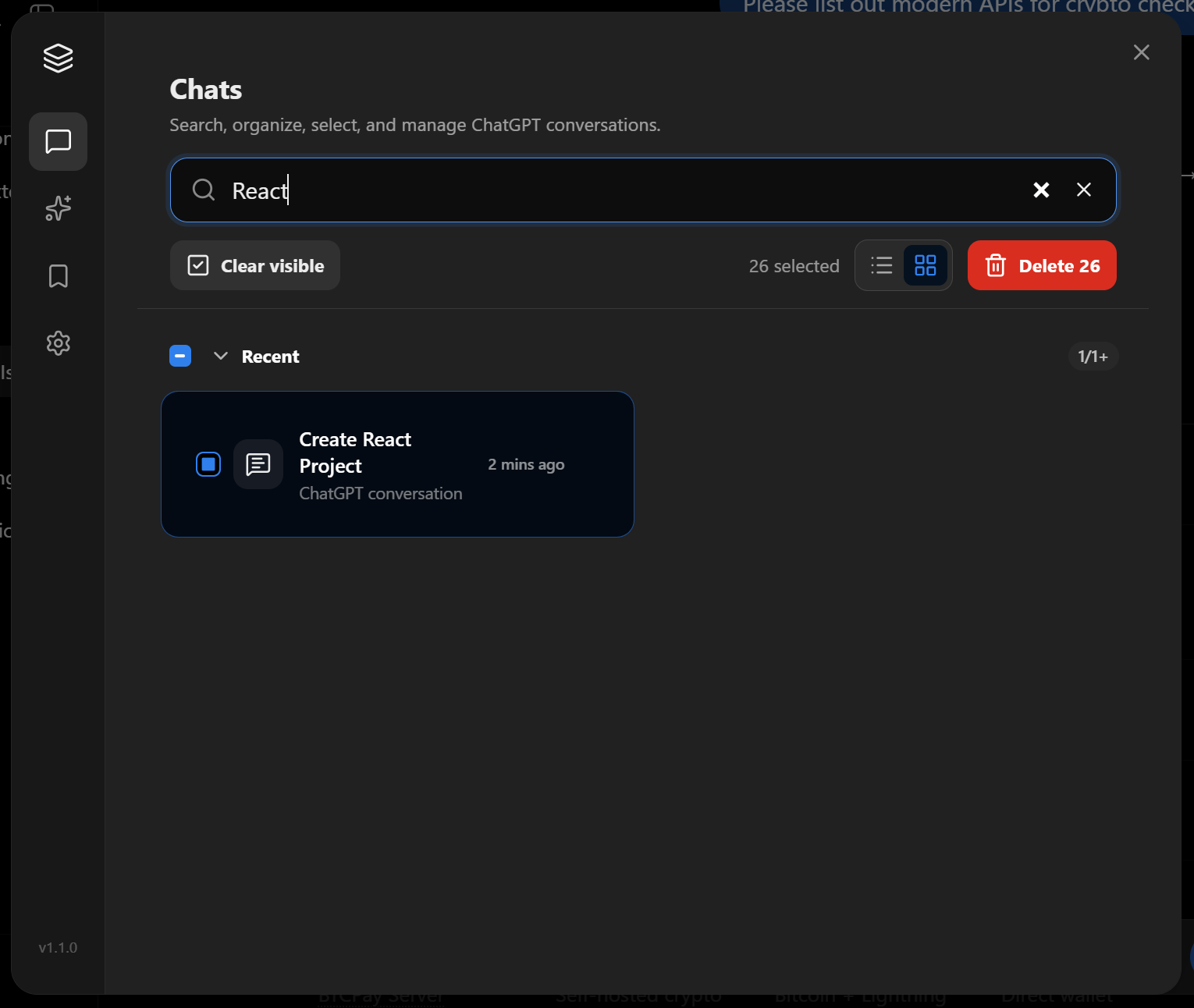
Chat Workspace
Keep your conversations accessible from one focused workspace, deleting multiple history chats.
AI Productivity
Summarize and analyze conversations faster.
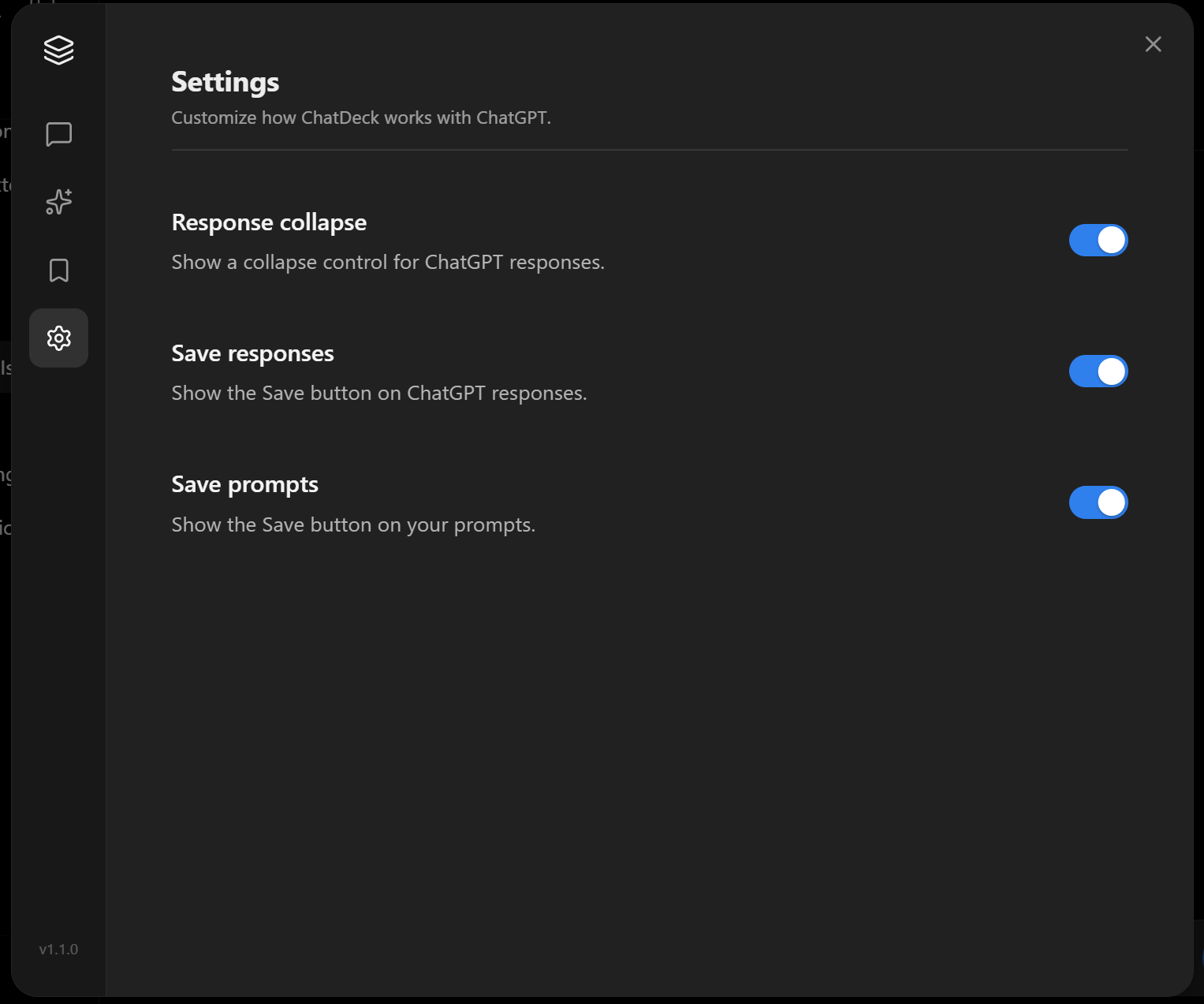
Response Collapse
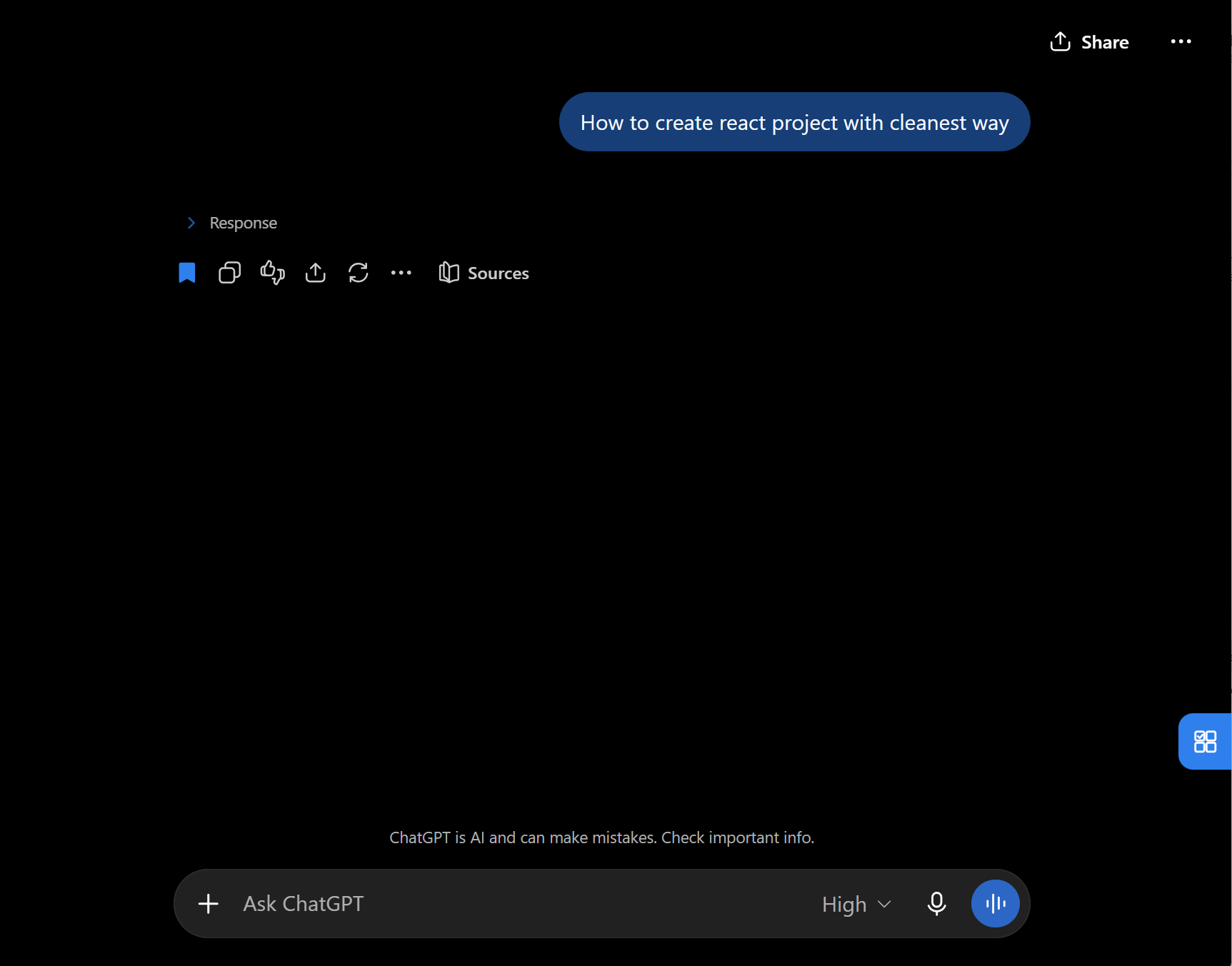
Long AI responses shouldn't take over your entire screen. A small feature that makes a big difference once your chats get long.
Pricing
Basic - Free
$0
- ✓ Conversation management
- ✓ Search chats
- ✓ Basic organization
- ✓ Saved prompts
- ✓ Saved chat responses
- ✓ Response collapse
Pro
$3.00
- ✓ Included basic features
- ✓ Unlimited selection of chats
- ✓ Unlimited number of saved prompts
- ✓ Unlimited number of saved responses
- ✓ Humanized AI response
- ✓ Export
FAQ
What is ChatDeck?
ChatDeck is a browser extension that adds productivity and organization tools around your AI conversations. It helps you manage chats, reuse prompts, save important conversations, collapse long responses, and keep your AI workspace easier to navigate.
How does ChatDeck work?
ChatDeck integrates directly into your existing AI chat experience. Once installed, you can open the ChatDeck workspace and access features such as chat management, saved chats, reusable prompts, and workspace settings without changing your normal workflow.
Who is ChatDeck for?
ChatDeck is built for anyone who regularly works with AI, including developers, researchers, writers, creators, students, and other power users who want a more organized and efficient chat workflow.
Does ChatDeck replace ChatGPT?
No. ChatDeck is designed to complement ChatGPT rather than replace it. It adds additional workspace and productivity features around the experience you already use.
How do I open and use ChatDeck?
After installing the ChatDeck extension, open ChatGPT as usual. You’ll see a ChatDeck trigger button in the bottom-right corner of the ChatGPT window.
Does ChatDeck store my conversations?
Your conversations remain secure. ChatDeck only processes data required for the features you use.
Will ChatDeck change how I normally use ChatGPT?
No. ChatDeck is designed to stay out of your way. You can continue using ChatGPT normally while using ChatDeck's additional tools whenever you need them.
Is there a free plan?
Yes, you can use basic features for free.
Contact
Questions? Contact us at
support@davixo.net